









1 部署分离的LAMP,部署到二台服务器上,php加载xcache模块
xcache官网已经关闭,github项目地址为:https://github.com/lighttpd/xcache/releases
# 第一台主机安装apache和php
[root@centos7 ~]# hostnamectl set-hostname php
[root@centos7 ~]# exit

[root@php ~]# yum install https://mirrors.tuna.tsinghua.edu.cn/remi/enterprise/remi-release-7.rpm -y
[root@php ~]# yum install httpd php56-php php56-php-mysqlnd -y
[root@php ~]# systemctl enable --now httpd

[root@php ~]# tar -xvf wordpress-5.7.2-zh_CN.tar.gz -C /var/www/html/
[root@php ~]# chown -R apache.apache /var/www/html/

# 第二台主机安装mysql
[root@centos7 ~]# hostnamectl set-hostname mysql
[root@centos7 ~]# exit

[root@mysql ~]# yum install mariadb-server -y
[root@mysql ~]# systemctl enable --now mariadb
[root@mysql ~]# mysql
MariaDB [(none)]> create database wordpress;
Query OK, 1 row affected (0.00 sec)

MariaDB [(none)]> grant all on wordpress.* to wordpress@'10.0.0.%' identified by '123456';
Query OK, 0 rows affected (0.00 sec)

MariaDB [(none)]> \q
Bye
[root@mysql ~]#

# 用浏览器访问 http://10.0.0.17/wordpress 初始化wordpress

# 测试性能
[root@php ~]# ab -c1000 -n2000 http://10.0.0.17/wordpress
......
Requests per second:    74.29 [#/sec] (mean)
......

# 编译安装xcache
[root@php ~]# wget https://github.com/lighttpd/xcache/archive/refs/tags/3.2.0.tar.gz
[root@php ~]# yum install gcc php56-php-devel -y
[root@php ~]# tar xf 3.2.0.tar.gz
[root@php ~]# cd xcache-3.2.0/
[root@php xcache-3.2.0]# /opt/remi/php56/root/bin/phpize
Configuring for:
PHP Api Version:         20131106
Zend Module Api No:      20131226
Zend Extension Api No:   220131226
[root@php xcache-3.2.0]# ./configure --enable-xcache --with-php-config=/opt/remi/php56/root/bin/php-config
[root@php xcache-3.2.0]# make && make install
[root@php xcache-3.2.0]# cat xcache.ini >> /opt/remi/php56/root/etc/php.ini
[root@php xcache-3.2.0]# systemctl restart httpd

# 再次测试
[root@php xcache-3.2.0]# ab -c1000 -n2000 http://10.0.0.17/wordpress
......
Requests per second:    235.14 [#/sec] (mean)
......
2 部署wordpress论坛,并实现正常访问登录论坛。
[root@centos8 ~]# dnf install httpd php php-json php-mysqlnd mariadb-server -y
[root@centos8 ~]# systemctl enable --now httpd mariadb
[root@centos8 ~]# mysql
MariaDB [(none)]> create database wordpress;
Query OK, 1 row affected (0.000 sec)

MariaDB [(none)]> grant all on wordpress.* to wordpress@'localhost' identified by 'waluna';
Query OK, 0 rows affected (0.000 sec)

MariaDB [(none)]> flush privileges;
Query OK, 0 rows affected (0.000 sec)

[root@centos8 ~]# wget https://cn.wordpress.org/latest-zh_CN.tar.gz
[root@centos8 ~]# tar xvf wordpress-5.7.2-zh_CN.tar.gz
[root@centos8 ~]# mv wordpress /var/www/html/wordpress
[root@centos8 ~]# chown -R apache.apache /var/www/html/wordpress

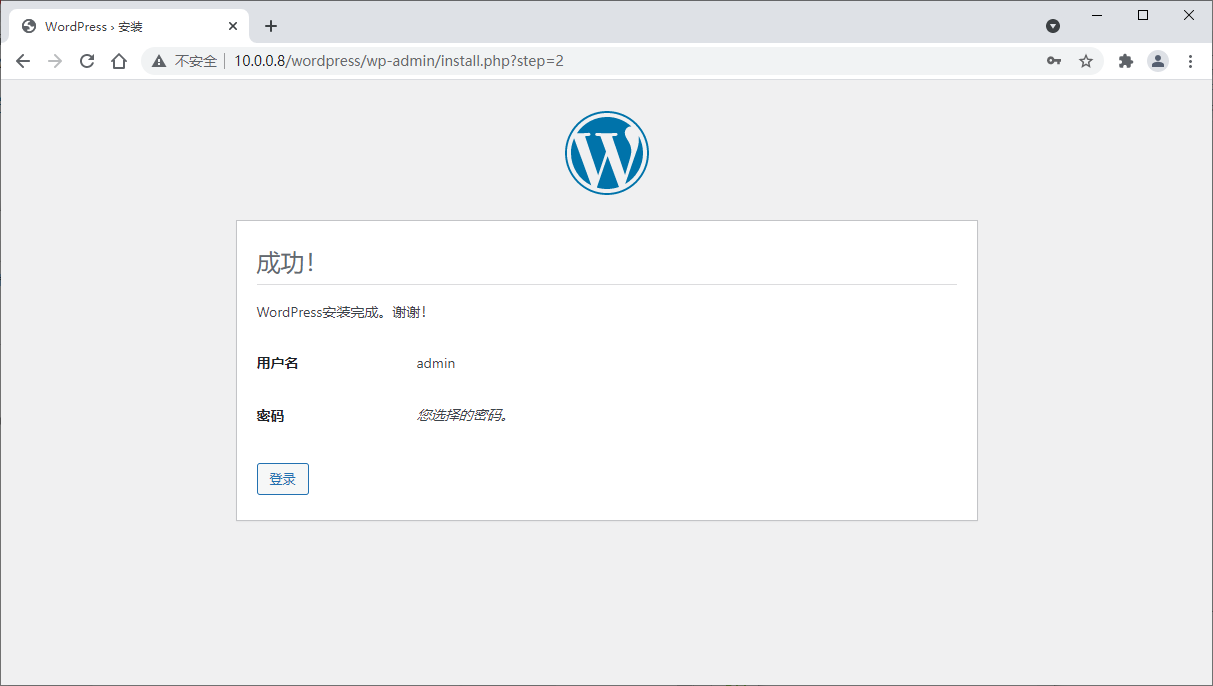
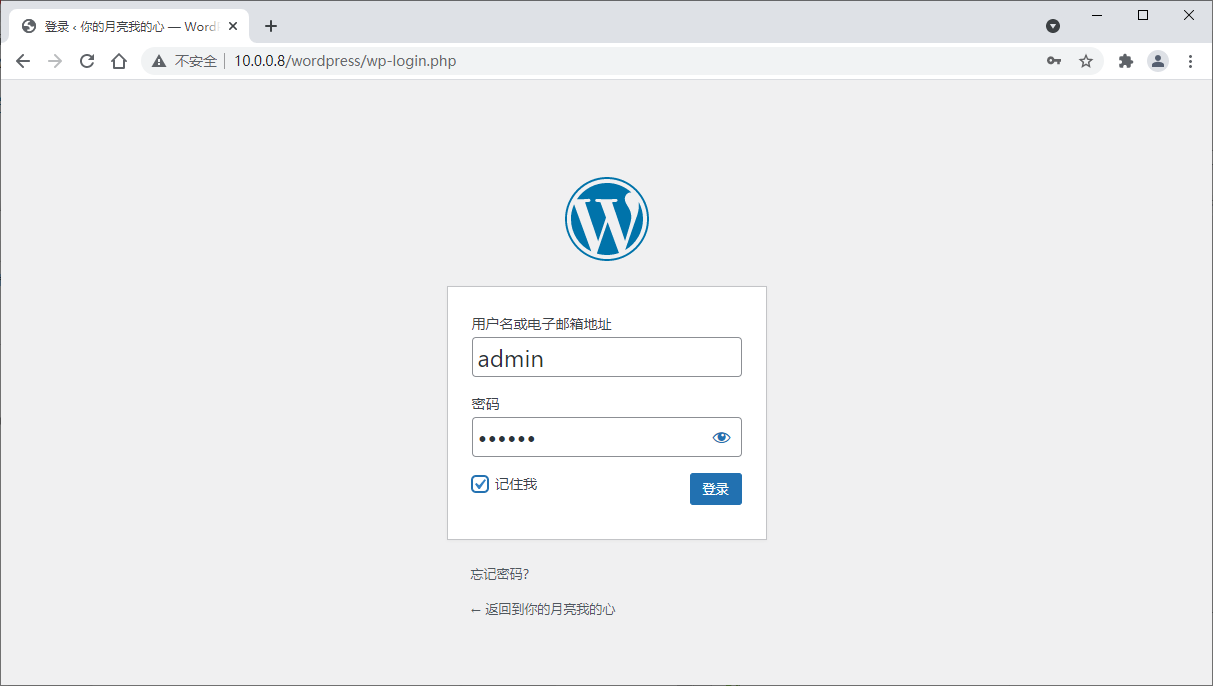
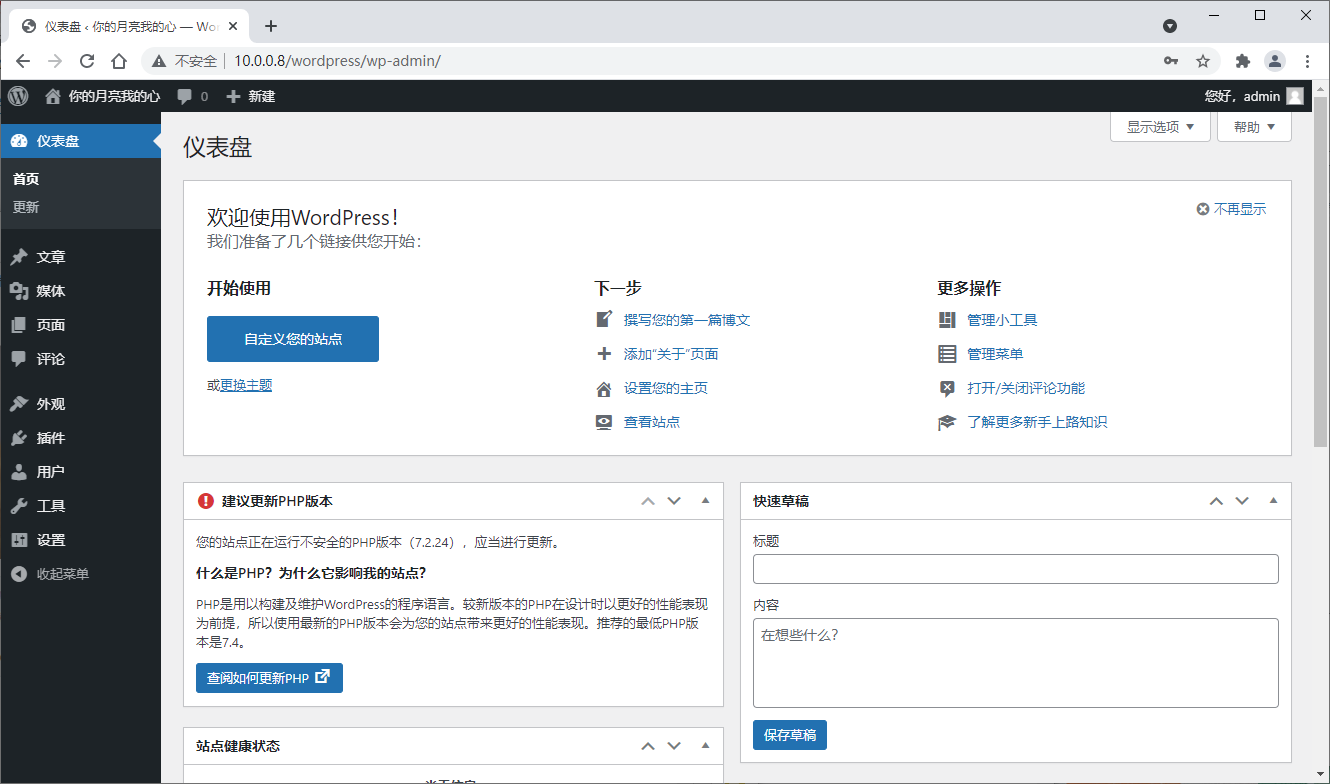
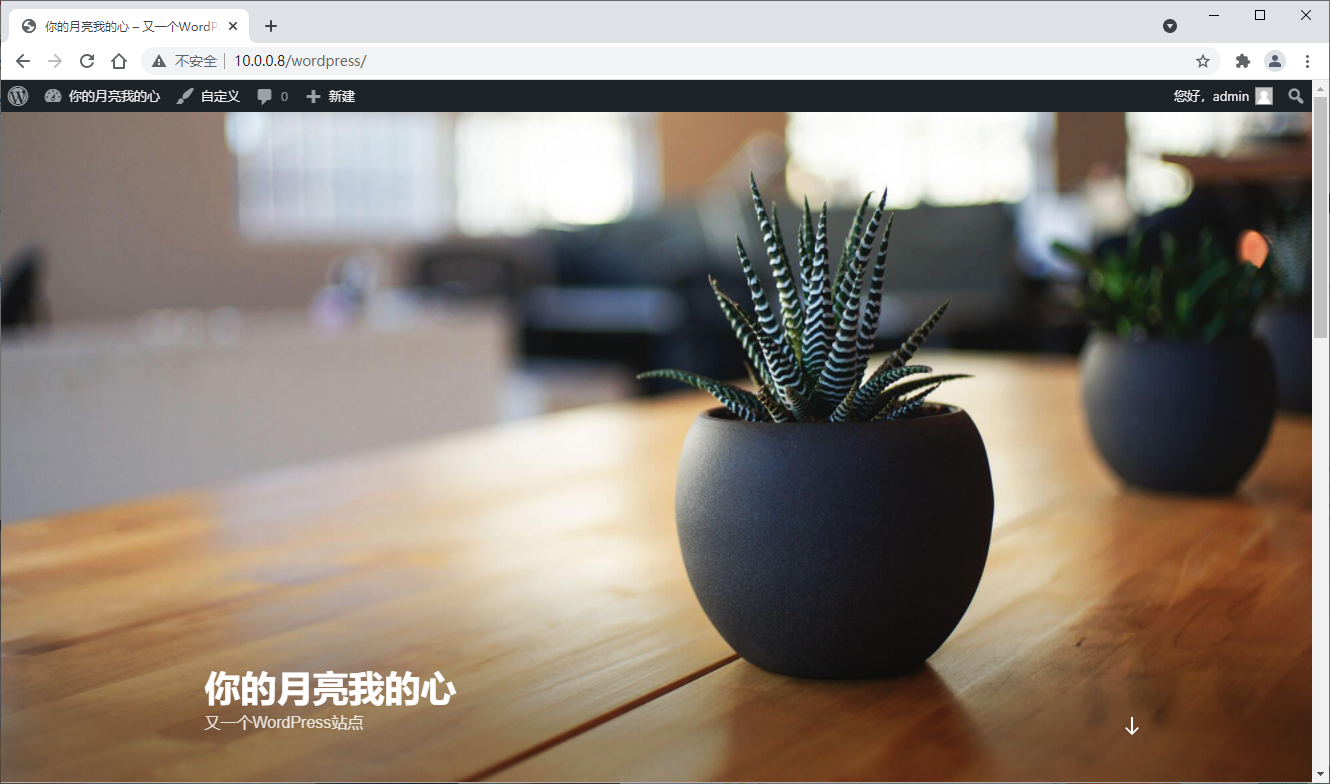
# 用浏览器访问 http://10.0.0.8/wordpress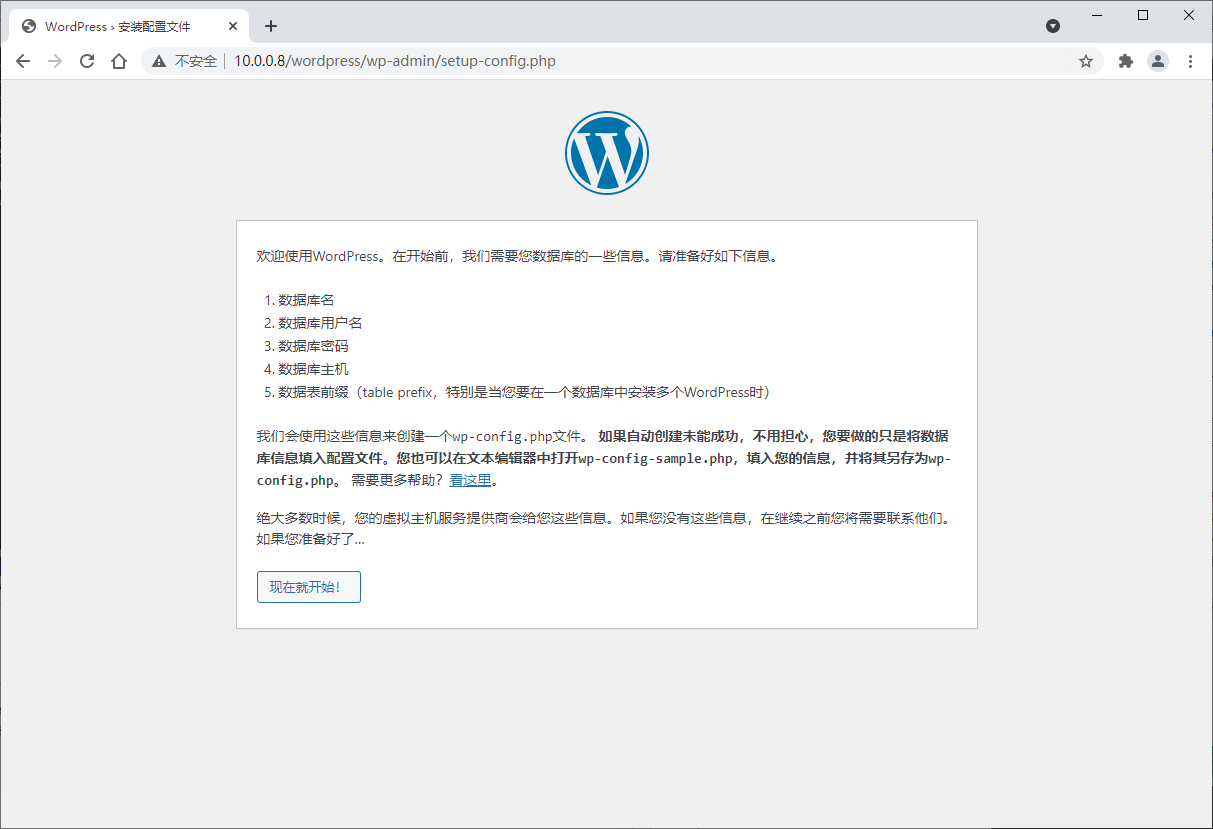
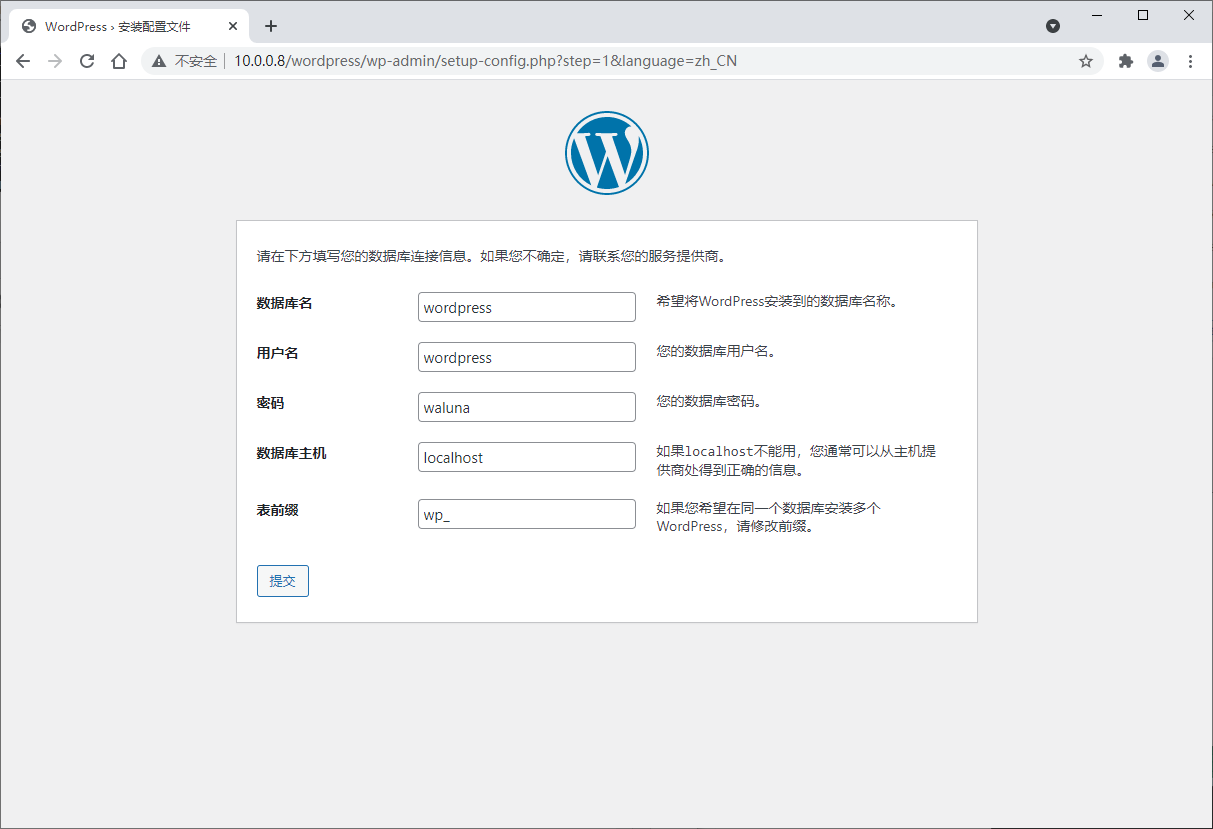
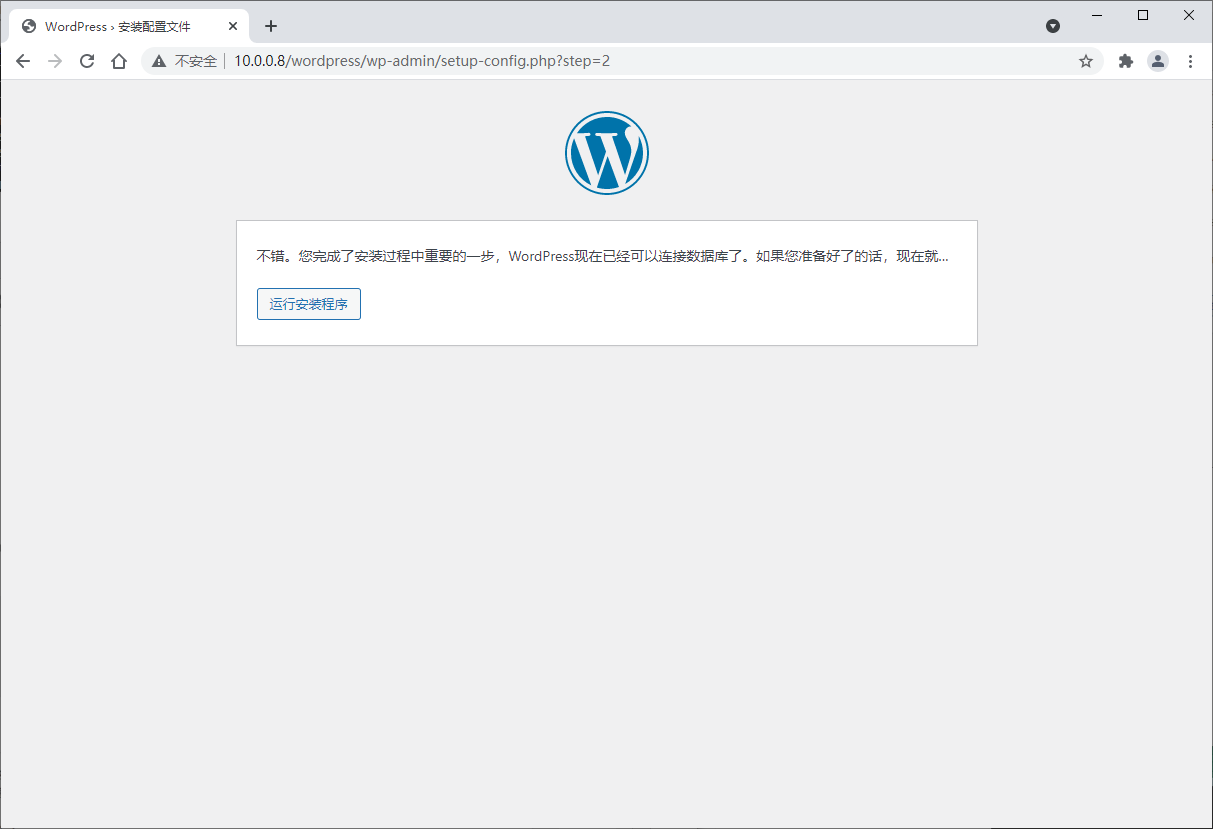
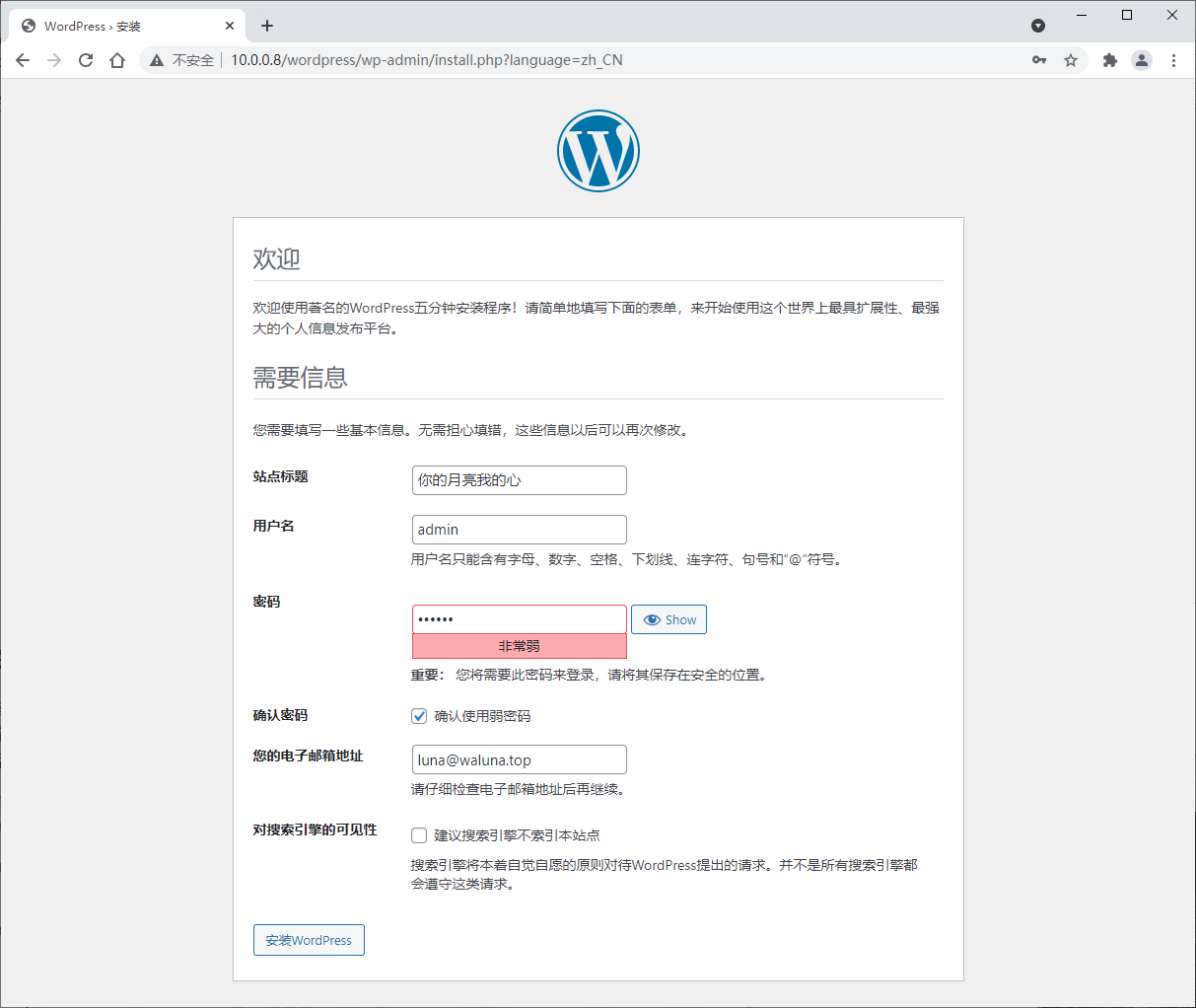
3 收集apache访问日志,并实现图形化展示。
# 安装httpd和php等相关包
[root@centos8 ~]# dnf install httpd php-fpm php-mysqlnd php-gd -y
[root@centos8 ~]# systemctl enable --now httpd php-fpm

# 安装loganalyzer
[root@centos8 ~]# wget https://download.adiscon.com/loganalyzer/loganalyzer-4.1.12.tar.gz
[root@centos8 ~]# tar xvf loganalyzer-4.1.12.tar.gz
[root@centos8 ~]# cd loganalyzer-4.1.12/
[root@centos8 loganalyzer-4.1.12]# ls
ChangeLog  contrib  COPYING  doc  INSTALL  src
[root@centos8 loganalyzer-4.1.12]# cd contrib/
[root@centos8 contrib]# ls
configure.sh  secure.sh
[root@centos8 contrib]# cat configure.sh
#!/bin/sh

touch config.php
chmod 666 config.php
[root@centos8 contrib]# cat secure.sh
#!/bin/sh
chmod 644 config.php
[root@centos8 contrib]#
[root@centos8 contrib]# cd
[root@centos8 ~]# mv loganalyzer-4.1.12/src/* /var/www/html/
[root@centos8 ~]# touch /var/www/html/config.php
[root@centos8 ~]# chmod 666 /var/www/html/config.php

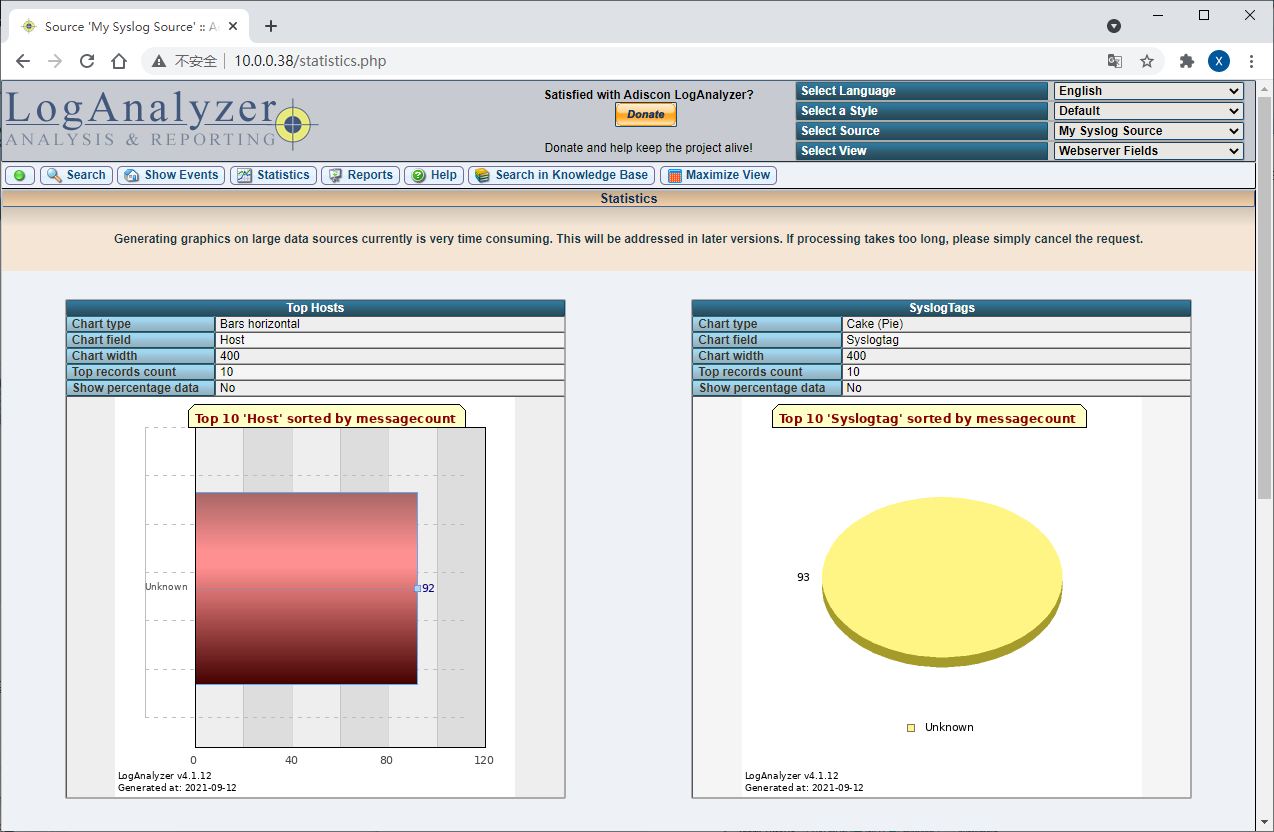
# 用浏览器打开 http://10.0.0.38/ 初始页面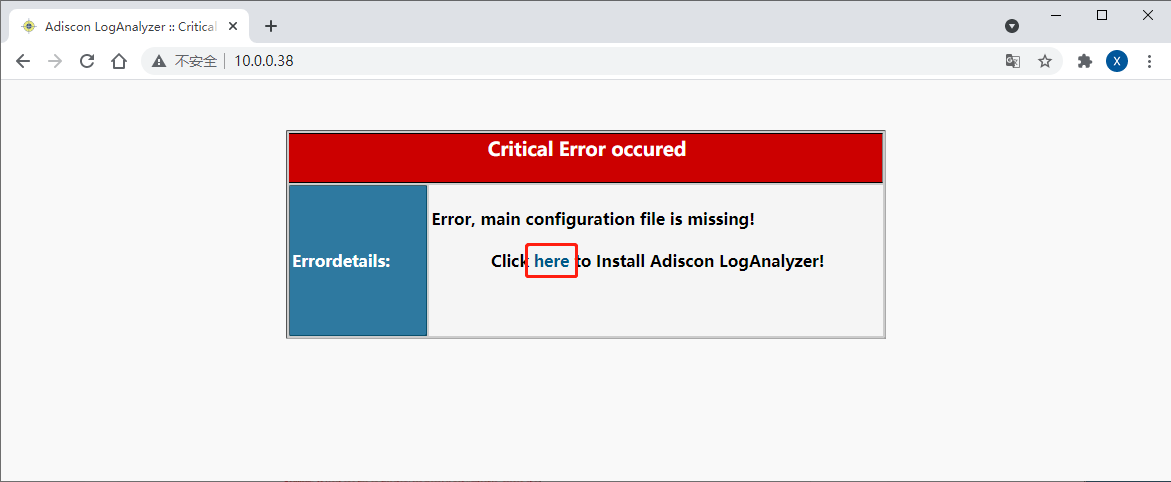
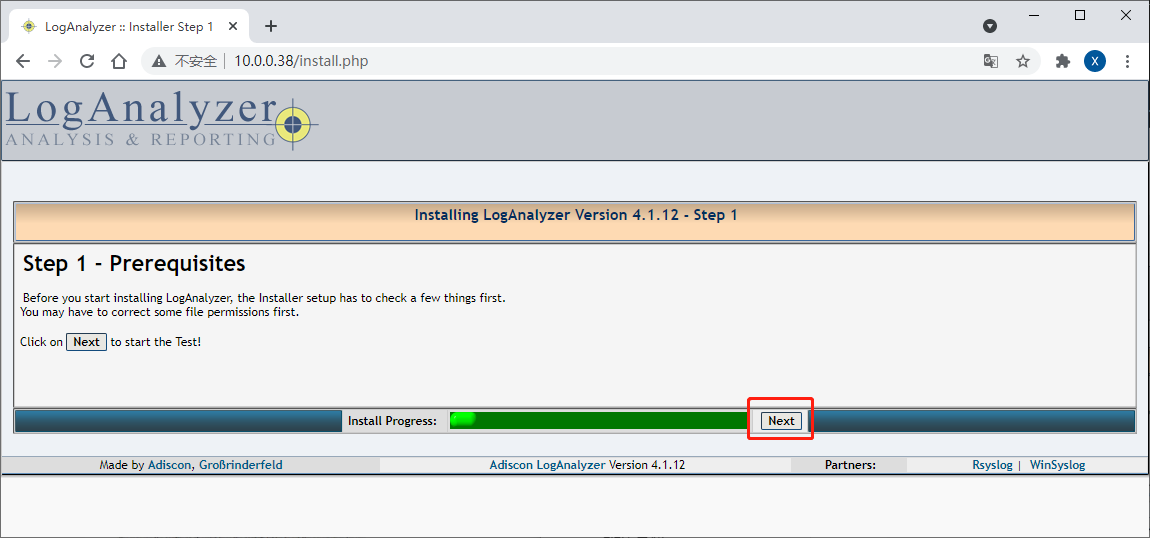
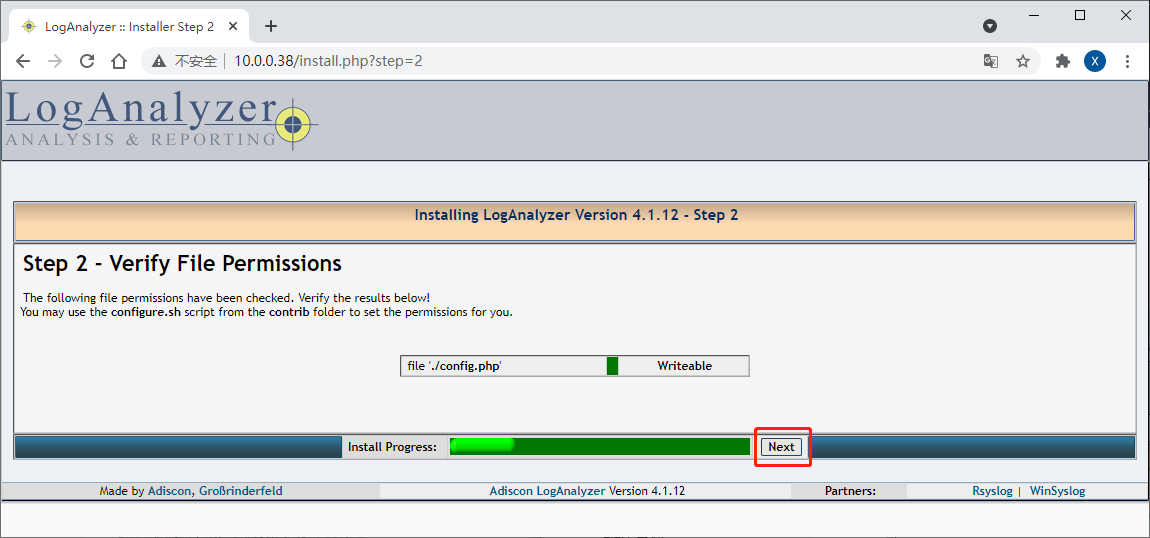
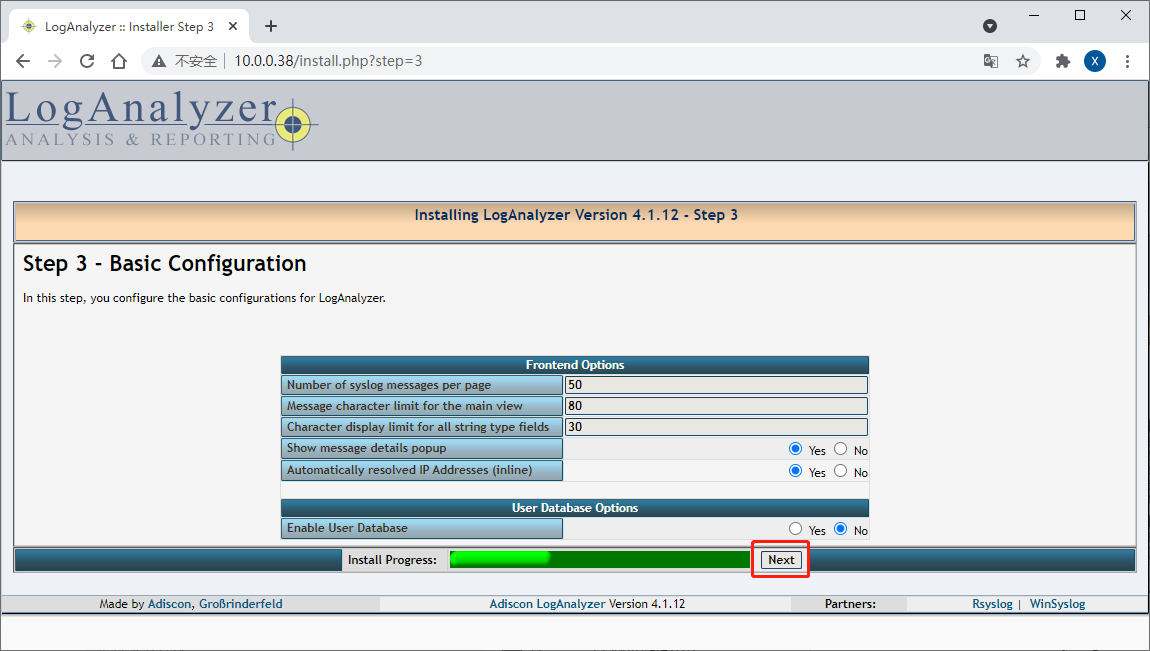
注意需要将select view改为webserver fields,并将syslog file改为apache访问日志路径
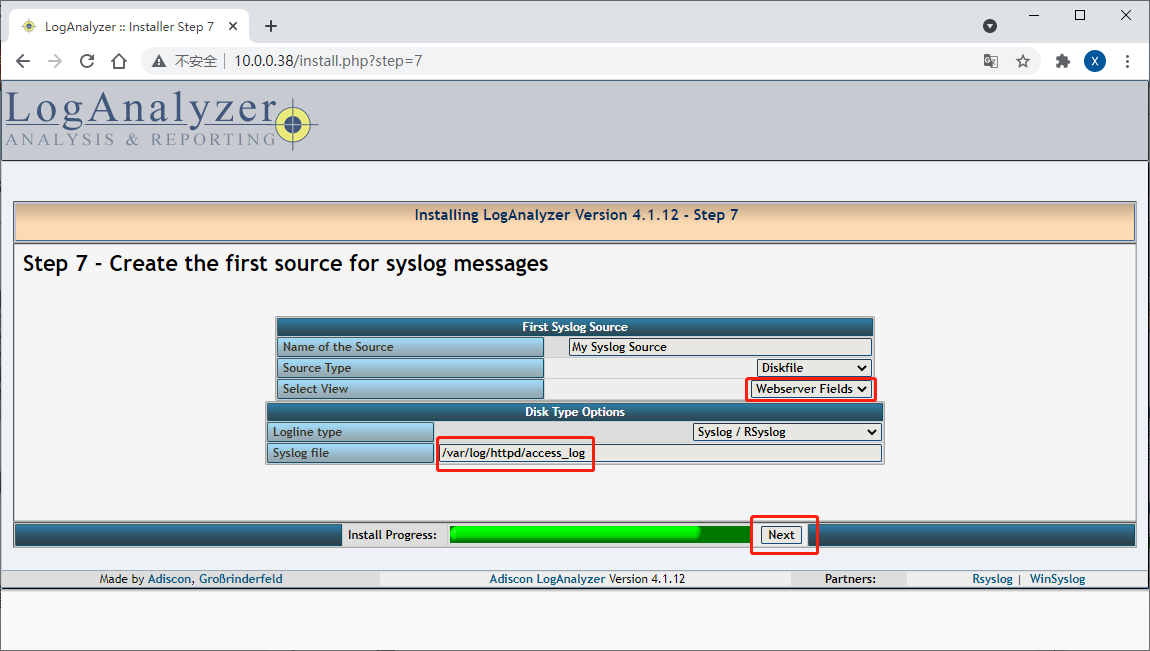
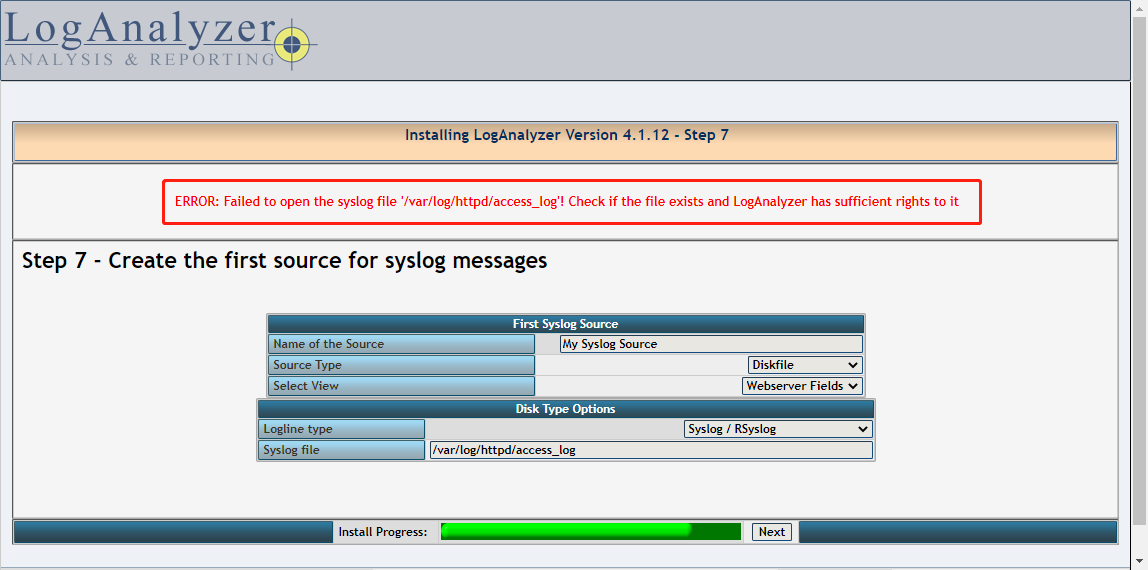
需给apache添加访问权限,不然会报下面错误
添加acl权限
[root@centos8 ~]# setfacl -R -m u:apache:rwx /var/log/httpd/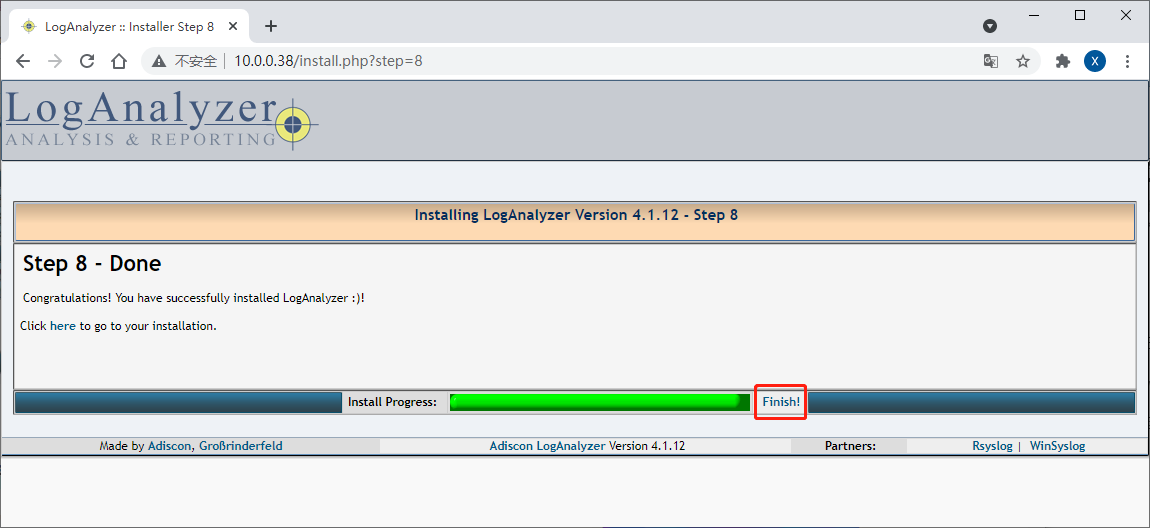
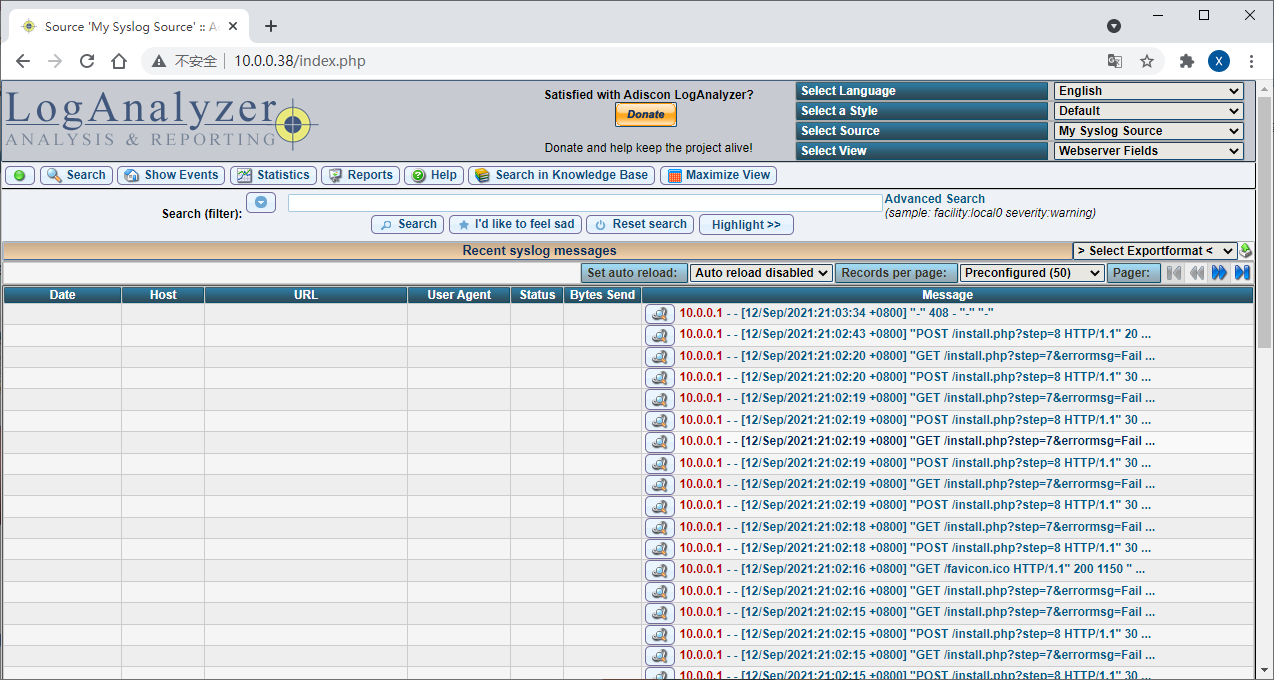
为安全考虑,修改文件权限
[root@centos8 ~]# chmod 644 /var/www/html/config.php4 实现基于MYSQL验证的vsftpd虚拟用户访问
利用pam_mysql模块可以实现基于MySQL的FTP虚拟用户功能
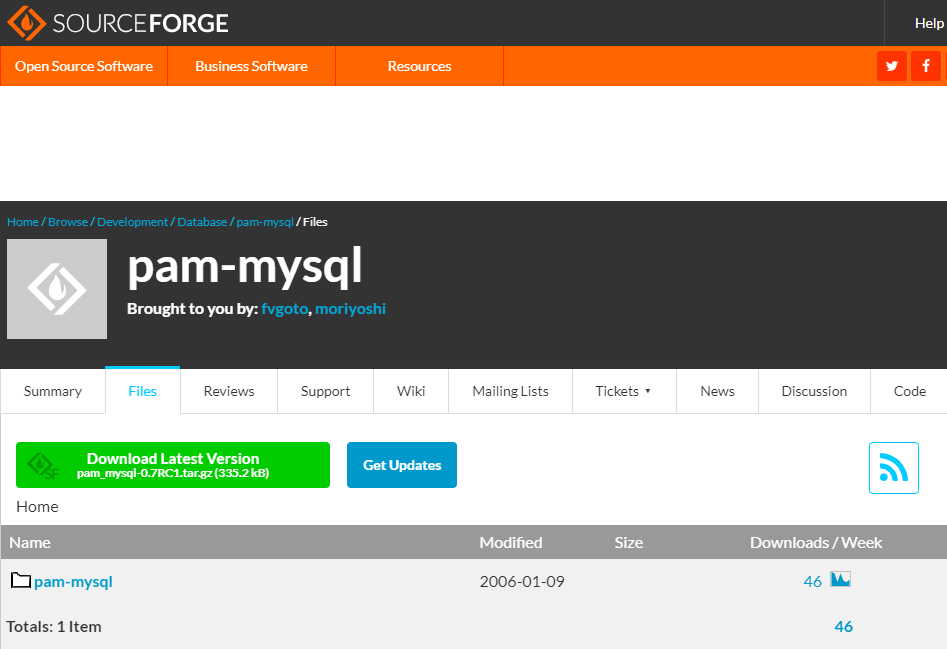
项目网站:https://sourceforge.net/projects/pam-mysql/
注意:因为此项目年代久远不再更新,当前只支持cenos 6,7,不支持centos 8
环境准备
本实验在两台主机上实现
一台为FTP服务器,centos7
一台mariadb数据库服务器
4.1 在数据库服务器上安装mariadb数据库
# 注意mysql8.0由于取消了PASSWORD()函数,因此选用mariadb
[root@centos8 ~]# dnf install mariadb-server -y
[root@centos8 ~]# systemctl enable --now mariadb
4.2 在数据库服务器上配置数据库支持vsftpd服务
# 建立存储虚拟用户数据和表
[root@centos8 ~]# mysql
MariaDB [(none)]> create database vsftpd;
Query OK, 1 row affected (0.000 sec)

MariaDB [(none)]> use vsftpd;
Database changed
MariaDB [vsftpd]> create table users(
    -> id int auto_increment not null primary key,
    -> name char(50) binary not null,
    -> password char(48) binary not null);
Query OK, 0 rows affected (0.002 sec)

# 添加虚拟用户,为了安全应该使用PASSWORD()函数加密其密码后存储
MariaDB [vsftpd]> insert into users(name,password) values('ftpuser1',password('waluna')),('ftpuser2',password('centos'));
Query OK, 2 rows affected (0.001 sec)
Records: 2  Duplicates: 0  Warnings: 0

MariaDB [vsftpd]> select * from users;
+----+----------+-------------------------------------------+
| id | name     | password                                  |
+----+----------+-------------------------------------------+
|  1 | ftpuser1 | *054AE4758752BC0D31011DB9778A1CDBF41D8674 |
|  2 | ftpuser2 | *128977E278358FF80A246B5046F51043A2B1FCED |
+----+----------+-------------------------------------------+
2 rows in set (0.000 sec)

# 创建连接数据库的用户
MariaDB [vsftpd]> grant select on vsftpd.* to vsftpd@'10.0.0.%' identified by 'waluna';
Query OK, 0 rows affected (0.001 sec)

MariaDB [vsftpd]> flush privileges;
Query OK, 0 rows affected (0.000 sec)
4.3 在FTP服务器上安装vsftpd
[root@centos7 ~]# yum install vsftpd -y4.4 在FTP服务器上安装pam_mysql
对于centos6:pam_mysql由EPEL源提供
[root@centos6 ~]# yum install pam_mysql -y对于centos7,8:无对应rpm包,需手动编译安装
pam_mysql源码进行编译安装
# 安装相关包
[root@centos7 ~]# yum install gcc gcc-c++ make mariadb-devel pam-devel -y
[root@centos7 ~]# wget https://nchc.dl.sourceforge.net/project/pam-mysql/pam-mysql/0.7RC1/pam_mysql-0.7RC1.tar.gz
# https://github.com/NigelCunningham/pam-MySQL/archive/v0.8.1.tar.gz
[root@centos7 ~]# tar xvf pam_mysql-0.7RC1.tar.gz
[root@centos7 ~]# cd pam_mysql-0.7RC1/
[root@centos7 pam_mysql-0.7RC1]# ./configure --with-pam-mods-dir=/lib64/security

# 如果上面不指定--with-pam-mods-dir=/lib64/security会报以下错误
checking if the second argument of pam_conv.conv() takes const pointer... no
configure: error: Your system doesn't appear to be configured to use PAM. Perhaps you need to specify the correct location where the PAM modules reside.

[root@centos7 pam_mysql-0.7RC1]# make install
[root@centos7 pam_mysql-0.7RC1]# ll /lib64/security/pam_mysql.*
-rwxr-xr-x 1 root root    882 Jun 13 00:19 /lib64/security/pam_mysql.la
-rwxr-xr-x 1 root root 141712 Jun 13 00:19 /lib64/security/pam_mysql.so
5 通过NFS实现服务器/www共享访问。
[root@centos8 ~]# dnf install nfs-utils -y

[root@centos8 ~]# systemctl enable --now nfs-server rpcbind

[root@centos8 ~]# mkdir /www
[root@centos8 ~]# vim /etc/exports
[root@centos8 ~]# cat /etc/exports
/www *(rw)
[root@centos8 ~]# exportfs -r
[root@centos8 ~]# exportfs -v
/www            <world>(sync,wdelay,hide,no_subtree_check,sec=sys,rw,secure,root_squash,no_all_squash)
[root@centos8 ~]# showmount -e 10.0.0.38
Export list for 10.0.0.38:
/www *
[root@centos8 ~]#
6 配置samba共享,实现/www目录共享
# 安装samba包
[root@centos8 ~]# dnf install samba -y

# 创建samba用户和组
[root@centos8 ~]# groupadd -r admins
[root@centos8 ~]# useradd -s /sbin/nologin -G admins luna
[root@centos8 ~]# smbpasswd -a luna
New SMB password:
Retype new SMB password:
Added user luna.

# 创建samba共享目录,并设置SElinux
[root@centos8 ~]# mkdir /www
[root@centos8 ~]# chgrp luna /www/
[root@centos8 ~]# chmod 2775 /www/

# samba服务器配置
[root@centos8 ~]# vim /etc/samba/smb.conf
...省略...
[share]
path = /www
write list = @admins

[root@centos8 ~]# systemctl enable --now smb nmb

# 测试
[root@centos8 ~]# dnf install samba-client -y

[root@centos8 ~]# smbclient -L 10.0.0.38
Enter SAMBA\root's password:
Anonymous login successful

        Sharename       Type      Comment
        ---------       ----      -------
        print$          Disk      Printer Drivers
        share           Disk
        IPC$            IPC       IPC Service (Samba 4.13.3)
SMB1 disabled -- no workgroup available
[root@centos8 ~]# smbclient -L 10.0.0.38 -U luna%waluna

        Sharename       Type      Comment
        ---------       ----      -------
        print$          Disk      Printer Drivers
        share           Disk
        IPC$            IPC       IPC Service (Samba 4.13.3)
        luna            Disk      Home Directories
SMB1 disabled -- no workgroup available
[root@centos8 ~]#
Comments | 1 条评论
你作业做的好棒!么么哒!