









第一步:去Nginx的官网下载Nginx软件包(1.12.2)
社区版 => http://www.nginx.org 企业版 => http://www.nginx.com
# wget http://nginx.org/download/nginx-1.12.2.tar.gz第二步:使用Shell脚本安装Nginx软件
1.安装编译工具(gcc)和依赖库(pcre、zlib、openssl)
# yum install gcc pcre-devel openssl-devel zlib-devel -y2.编写nginx.sh安装脚本
#!/bin/bash
vim nginx.sh
tar xzf nginx-1.12.2.tar.gz
cd nginx-1.12.2
useradd -r -s /sbin/nologin www
./configure --prefix=/usr/local/nginx --user=www --group=www --with-http_ssl_module --with-http_realip_module --with-http_stub_status_module
make && make install
3.创建nginx.service服务脚本
# vim /usr/lib/systemd/system/nginx.service

[Unit]
Description=Nginx Web Server
After=network.target

[Service]
Type=forking
ExecStart=/usr/local/nginx/sbin/nginx -c /usr/local/nginx/conf/nginx.conf
ExecReload=/usr/local/nginx/sbin/nginx -s reload
ExecStop=/usr/local/nginx/sbin/nginx -s quit
PrivateTmp=true

[Install]
WantedBy=multi-user.target</code></pre>
4.开启nginx服务并加入开机启动项
# systemctl restart nginx
# systemctl enable nginx
5.放行80端口
[root@localhost ~]# firewall-cmd --permanent --add-port=80/tcp
success
[root@localhost ~]# firewall-cmd --reload
success
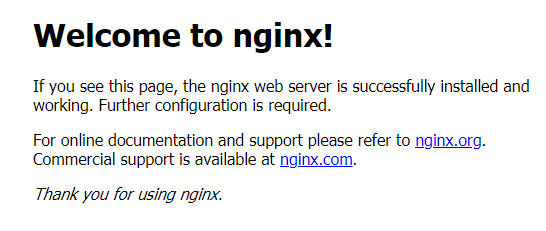
成功访问
Comments | NOTHING